


Requesting Access to Mattermost Teams
Overview
Watch this video and follow the steps below to learn how to join a team in Mattermost.
Join a Mattermost Team (Video Demonstration)
Steps to Request Access to a Team
Follow these steps to request access to a Mattermost Team:
Select the Join a new team button in top-left corner of Mattermost,.

Use the search bar or scroll through the list to locate the team you want to join.
Tip: Using the search bar is recommended, as there may be many teams.
Select the radio button for the team you want to join, then select JOIN TEAM.
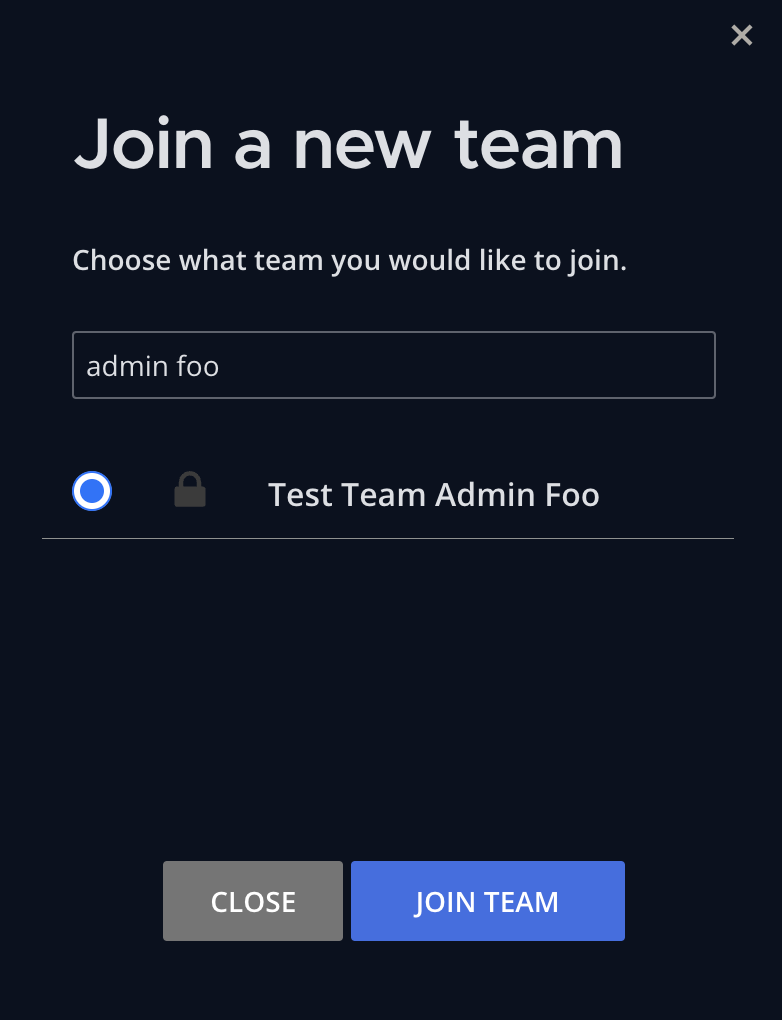
Confirm you're requesting to join the correct team, then select YES, CONTINUE.
Once submitted, your request will be sent to the team administrators for approval. You will receive a notification when a decision is made.
- If approved, you will be added to the team.
- If denied, follow up with the team administrator for additional guidance or access requirements.